Meet Team Braillience
Braille comes alive, with tech as our guide.
From playful bricks to AI eyes,
Braillience helps young minds rise!
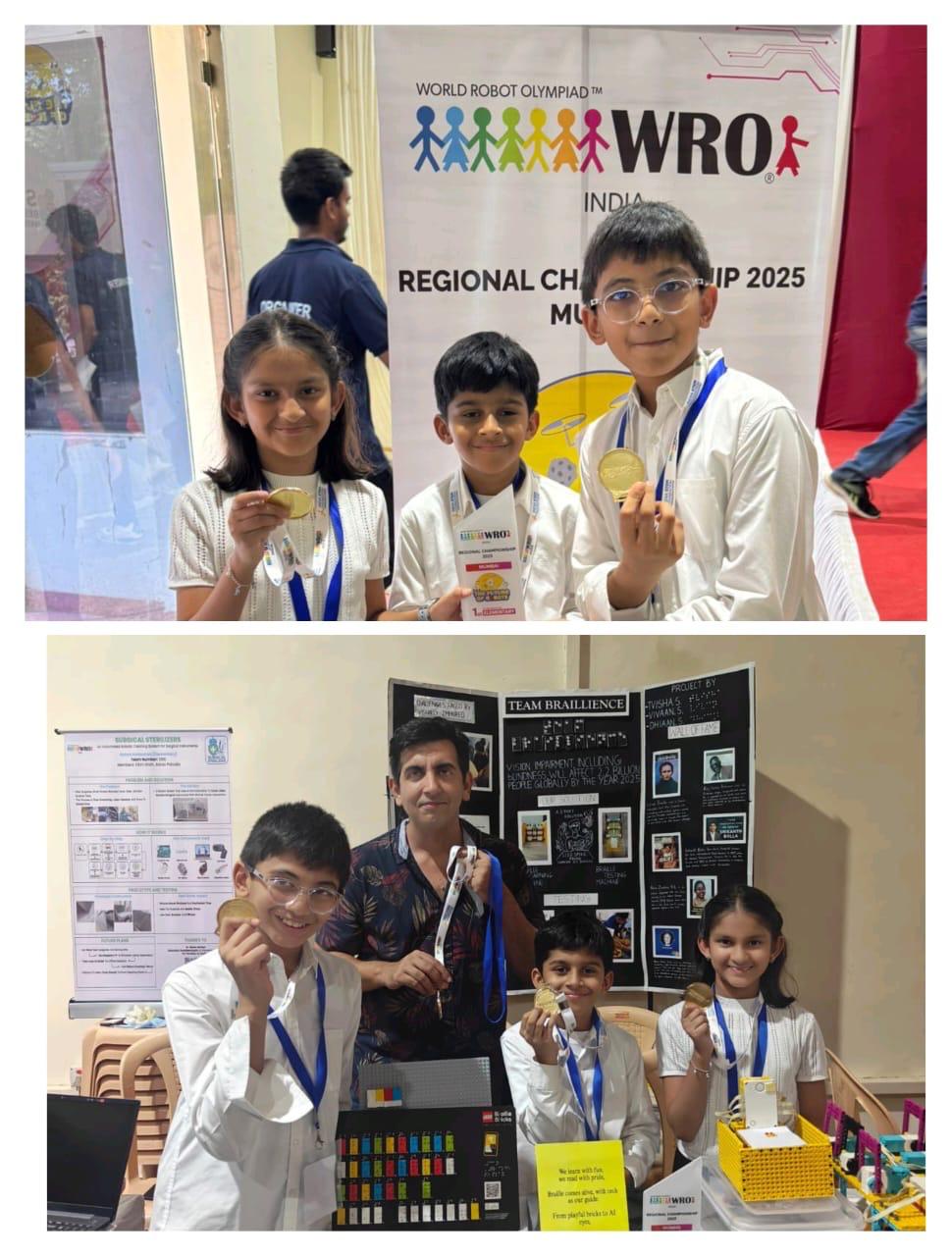
We are a team of three curious and creative kids who love robotics and want to make a difference in the world!
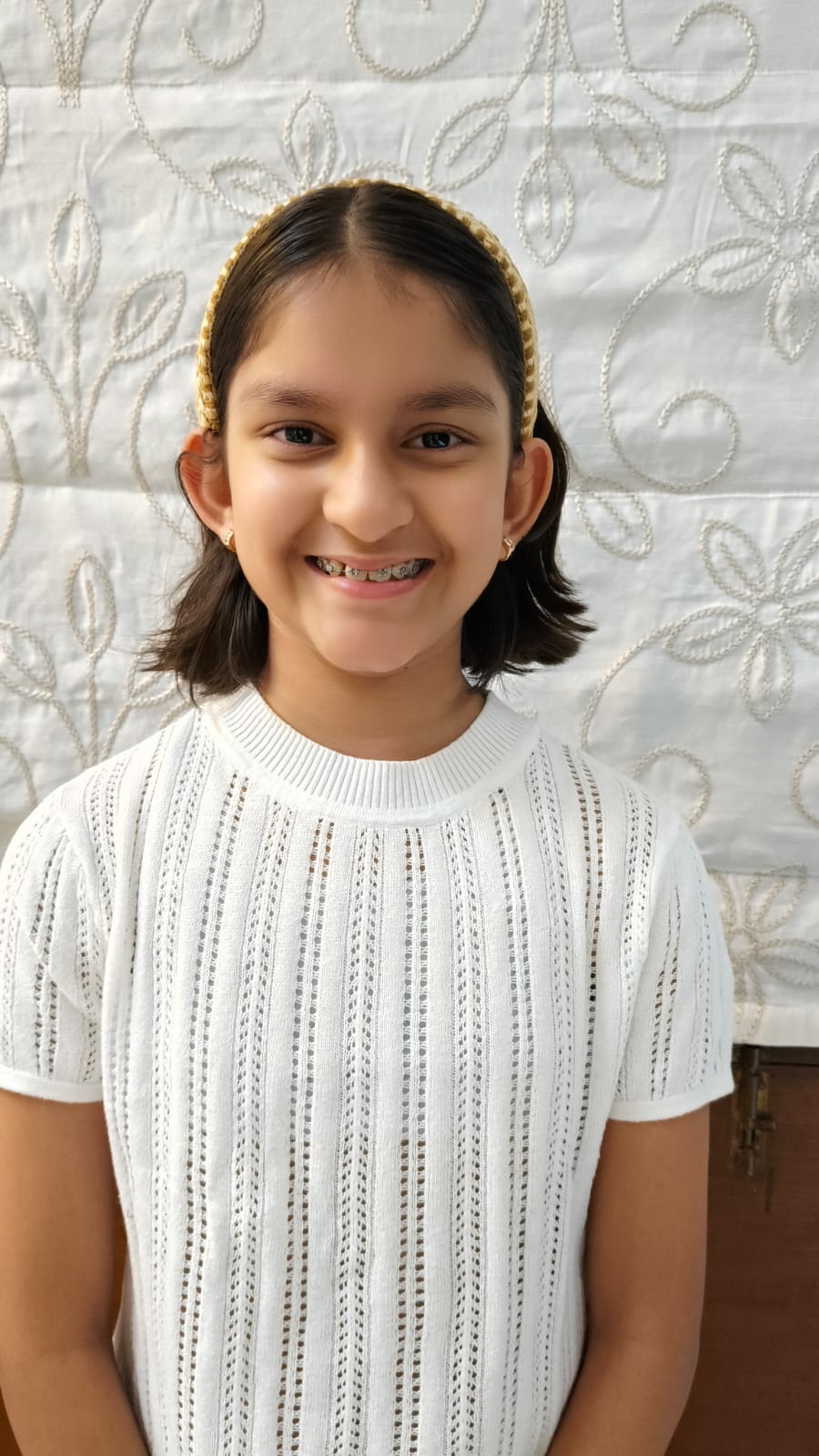
Tvisha Shah
Tvisha is the eldest in the team and our main speaker. She worked on building the Braille Learning Machine's LEGO mechanism and helped lead the design discussions.

Vivaan Shah
Vivaan is our most experienced member. He programmed the Braille Testing and AI Camera Reader machines. He is super passionate about technology and loves inventing cool things that can help people.
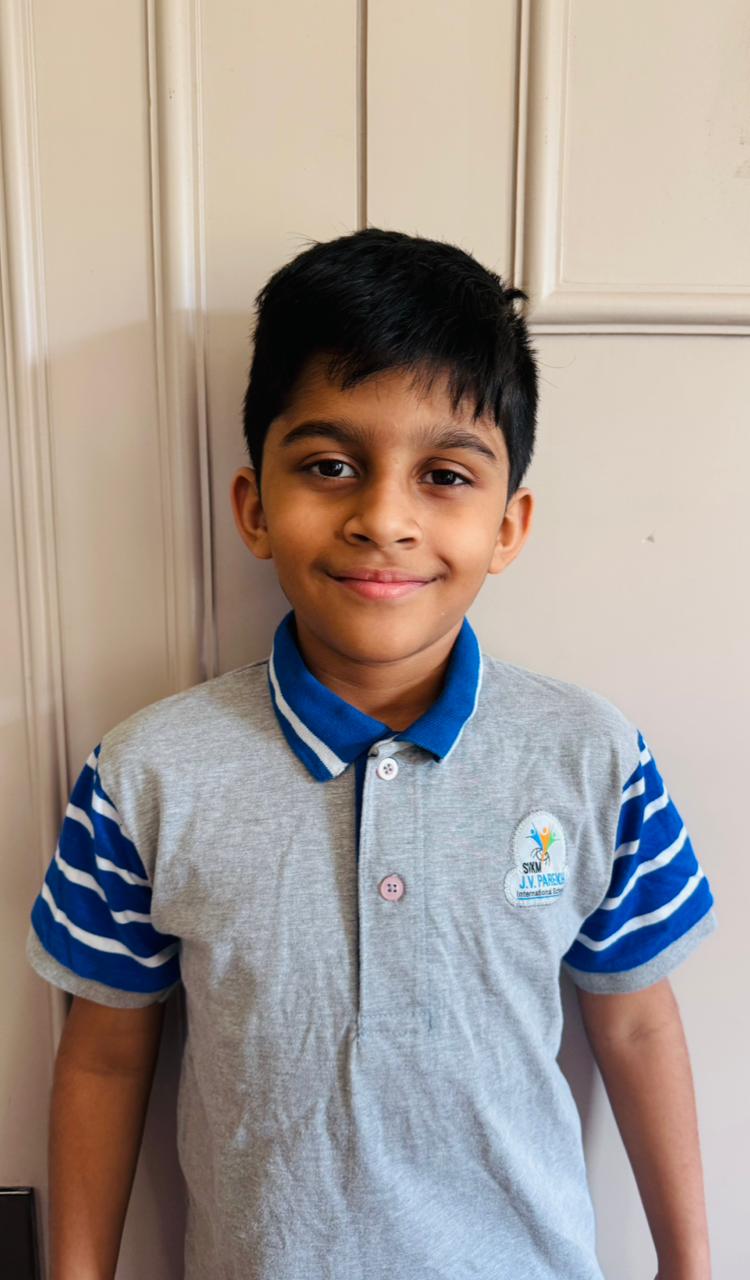
Dhiaan Savani
Dhiaan is the youngest in our team, and he brought energy and creativity to our project. He worked on building the LEGO Braille tiles used in the AI camera part and helped test the robot with the team.
Project Summary
The Problem
Many children with visual impairment don't have enough tools or teachers to learn Braille properly. Braille books and slates are boring and don't help much without a teacher. Learning becomes slow, and sometimes children give up or drop out of school. We wanted to make something exciting and helpful for them.
Our Solution: LEGO, AI, and Accessibility Tools
We built a set of learning machines that combine LEGO, AI, and accessibility features to help blind children learn Braille independently and make it fun!
📚 Enhanced Learning Machine
A motorized system that teaches letters, phonics, and even common phrases and words, allowing children to learn step by step.
🇮🇳 Hindi Braille Learning Machine
A new machine designed specifically for Hindi Braille, expanding access for millions of children in India.
✅ Testing Machine with Feedback
Children can form Braille letters and immediately know if they're correct. The machine displays and speaks the right answer for instant learning.
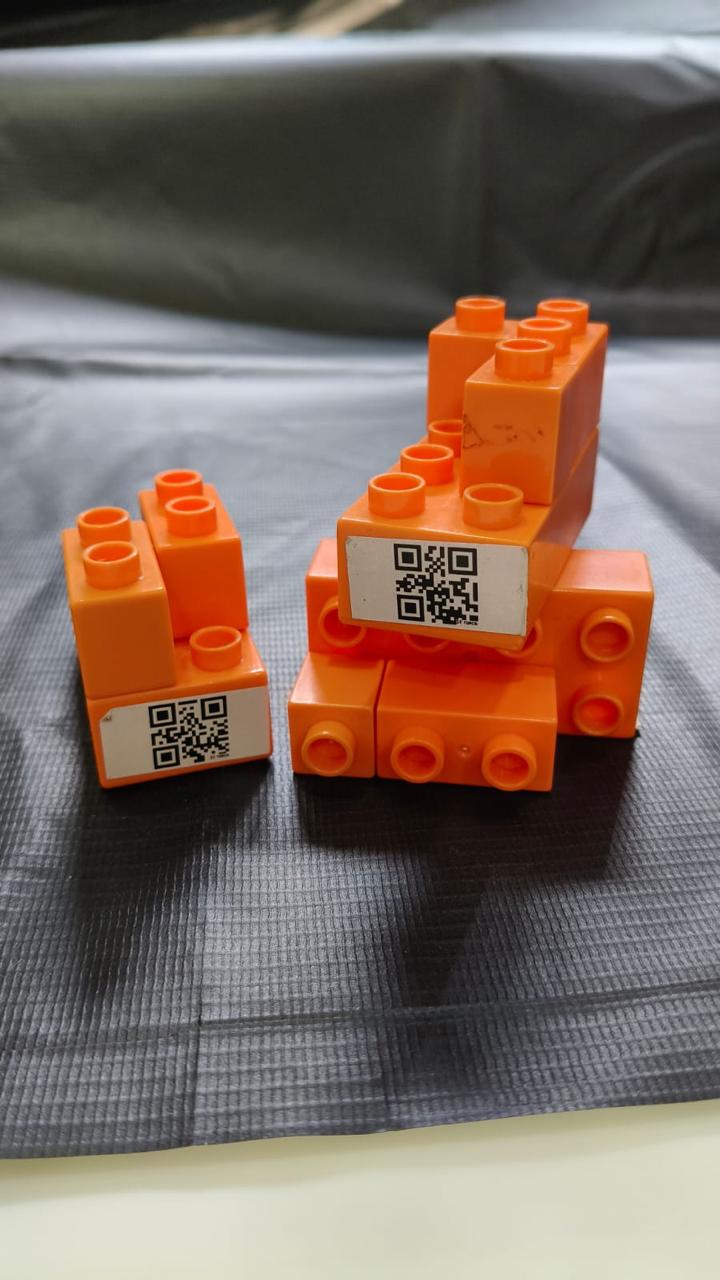
🧱 Accessible Duplo Blocks
With QR codes integrated on Duplo blocks, blind students can scan and hear which block they are holding, making play and learning more inclusive.
📷 AI Camera Braille Reader
A camera-based system that recognizes Braille tiles made with LEGO and reads them out loud like a talking friend.
Why Our Project Matters
If used in real life, our robots can help thousands of children with visual impairment learn Braille on their own. They won't need a teacher all the time. It can be used in schools, homes, and even libraries.
- Easy to build and low-cost
- Super fun - makes learning a game, not a chore!
- Uses LEGO, motors, sensors, and AI together
- Supports multiple languages (English and Hindi Braille)
- Gives blind students more confidence and independence
Robotic Solution
How We Got the Idea
We got the idea for our robot after thinking about how AI can help people in daily life. At first, we thought of robots that could help in the kitchen or read maps for blind people. But then we started talking about how important reading is, and we learned about Braille. We felt that helping blind children learn to read would make a big difference, so we decided to build something for that.
What is Braille?
Braille is a special system of reading and writing used by blind and visually impaired people. Instead of using eyes, Braille is read by touching raised dots with fingers. Each letter is made by combining up to six dots arranged in two columns and three rows. These dot patterns form the alphabet and allow people to read books, signs, and even use technology independently.
Braille uses a 6-dot pattern to represent letters A-Z
Why Existing Tools Weren't Enough
When we researched, we saw that some tools like Braille books, slates, or Braillers already exist, but most of them are boring, expensive, or not easy to use without help. They also don't give feedback, so kids can't know if they are learning correctly.
That's when we thought: What if we make something fun using LEGO, that talks to the child, and helps them learn Braille even if a teacher is not around?
Our Four-Part Solution
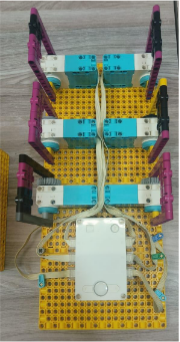
1. Braille Learning Machine
It uses LEGO axles and motors to create Braille letters that students can touch and feel. They can learn by themselves by pressing the right buttons on the hub and feeling the dots.

2. Braille Testing Machine
Kids try to make a Braille letter using push Beams attached to Motors, and the robot checks if it's correct. It gives feedback like "Good job!" or "Try again!" – just like a quiz!
3. AI Camera Braille Reader
This part uses a webcam and AI software. When a child places a LEGO brick with a Braille letter in front of the camera, the computer reads it out loud. It's like having a robot friend helping you learn!
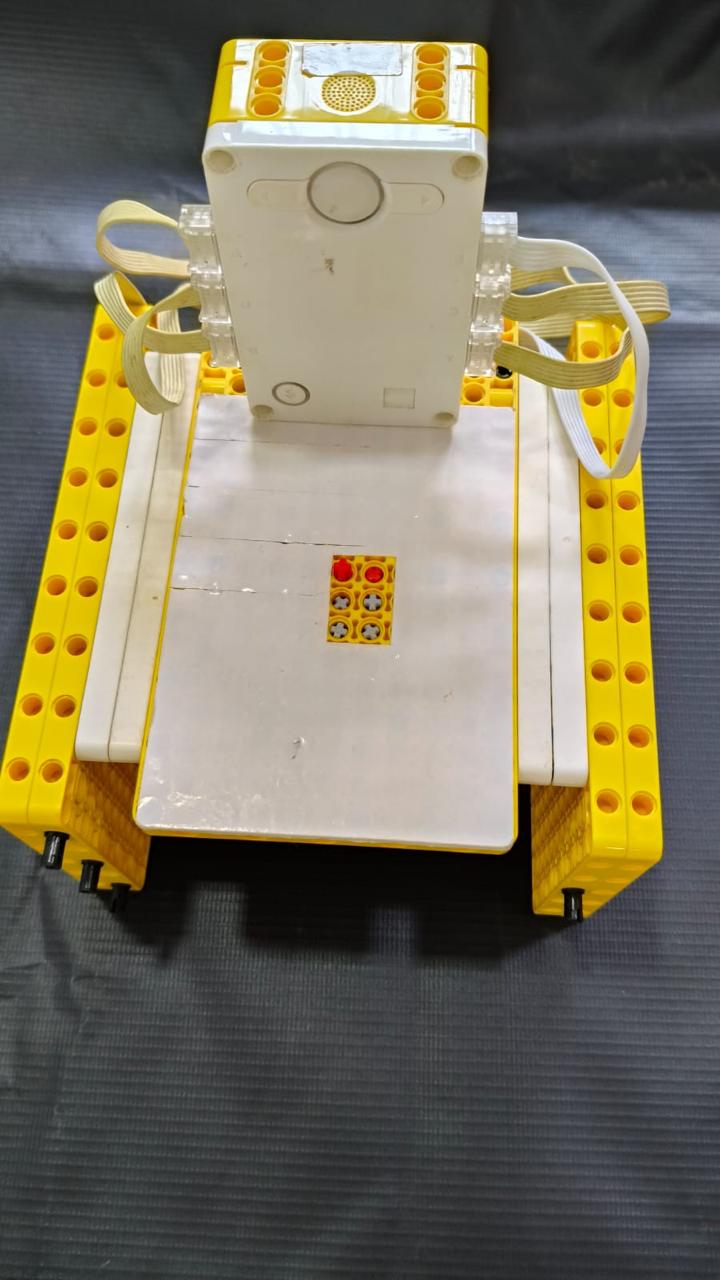
4. Hand Held Testing Machine
A portable testing device that allows children to practice Braille anywhere. Kids can test their knowledge on-the-go, and the machine provides instant feedback to help them learn correctly.
Traditional Braille vs. Braillience
| Feature | Traditional Braille Tools | Braillience Solution |
|---|---|---|
| Learning Content | Mostly limited to alphabets | Letters + Phonics + Common Words & Phrases |
| Language Support | Usually only English Braille | English + Hindi Braille (expandable) |
| Feedback | No feedback – child depends on teacher | Instant feedback with correct answers shown |
| Play & Fun Factor | Static, repetitive, can feel boring | LEGO & Duplo based – feels like a game |
| Accessibility | Requires teacher or trained parent | Independent learning with AI voice & speech |
| Innovation | Old, mechanical or printed | Uses AI, speech, QR codes, and robotics |
| Inclusivity | Limited to reading practice | Accessible Duplo blocks with audio QR codes |
| Cost & Portability | Expensive or bulky | Low-cost, portable, easy to rebuild |
| Engagement | Low motivation, risk of dropout | Fun, interactive, and confidence-building |
Technical Aspects
Mechanical Construction
We used LEGO Education SPIKE Prime kits to build our machines. We built 4 different robots using motors, sensors, axles, and the SPIKE hub.
1. Braille Learning Machine
This machine has LEGO axles that go up and down to form Braille letters. A motor moves the axles based on the selected letter.
- 6 motors used - 1 for each dot
- Different length axle on each motor
- Programming controls motor rotation degrees to raise axles
- Child touches raised dots like real Braille
2. Braille Testing Machine
This robot lets kids press push Beams attached to Motors to make a Braille letter.
- Motors detect which handles are moved
- Measures motor movement in degrees
- Checks if dots match correct pattern
- Provides audio feedback for correct/incorrect answers
3. AI Camera Braille Reader
Uses webcam and PictoBlox software on a computer.
- Students place LEGO Braille tiles in front of webcam
- Camera captures image of tile
- AI in PictoBlox recognizes dot pattern
- Software speaks letter out loud using speaker
- QR codes on Duplo blocks for accessibility
4. Hand Held Testing Machine
A portable device that allows children to practice and test their Braille knowledge anywhere.
- Compact and portable design
- Motors detect which handles are moved
- Measures motor movement in degrees
- Provides instant audio feedback for correct/incorrect answers
Coding & Programming
Braille Learning Machine Code
We used Scratch-based block coding in LEGO SPIKE software. We wrote code that tells the motors to move the axles up or down to form each Braille letter.
A Braille dot is usually about 0.5-0.6 mm high in real Braille paper. We measured that our LEGO axle needs to come up at least 3-4 mm to be felt clearly.
LEGO SPIKE motor turns in degrees. One full rotation = 360°. We found that around 30° rotation lifts the axle by approximately 4 mm.
Example: Letter 'A' has one dot, so only motor A rotates 30 degrees. Letter 'G' has 4 dots, so motors A+B+C+D all rotate 30 degrees.
Braille Testing Machine Code
At first, we thought we could check if a dot was pressed by seeing if the motor moved exactly 45 degrees. But during testing, we saw that the motor didn't always stop at the same number.
Instead of looking for only 45 degrees, we set a range. If the motor moves between 10 and 70 degrees, we count it as a "dot pressed." This way, the robot doesn't get confused if the angle is not perfect.
How the Robot Understands Which Letter Was Pressed
- Each Braille dot is controlled by a motor - When a student moves a motor, we change a variable from 0 to 1. We used 6 variables (Bit0 to Bit5) – one for each dot.
- Convert bits into one number - We multiply each bit with powers of 2 and add them up. This gives us a decimal number that is different for each Braille letter.
- Match number to letter list - We created a list with 26 numbers (for 26 alphabets). The robot checks if the decimal number matches a letter in the list.
- Display and speak the letter - The robot displays the letter on the LEGO Hub screen and plays a recorded sound.
Example: If Bit0=1 and Bit1=1, Decimal = 1×1 + 1×2 = 3 → This means letter B!
AI Camera Braille Reader Code
We used AI in our project in a simple but powerful way:
- Image Text Recognition using PictoBlox: A webcam takes a picture of the Braille letter made with LEGO tiles. The AI model in PictoBlox is trained to recognize text on the braille tile.
- Speech Output (Text-to-Speech): Once the AI knows the letter, it says the alphabet out loud using PictoBlox's text-to-speech feature.
Challenges We Faced
- Initial designs involved using sensors instead of motors, but sensors would detect the hand when placed in front. Controlling 6 dots with 2 hands was not suitable.
- The LEGO axles didn't come out at the right height, so we kept changing the motor angles.
- The camera often failed to see the Braille dots because of poor lighting or wrong angles. We fixed it by using better lights and shifting from text recognition to QR codes.
But we didn't give up! We worked as a team, tested many times, and improved our robot every week. Now it works really well and we feel super proud!
Promoting Inclusion & UN SDGs
We believe that AI and robotics should be for everyone, not just people who can see or hear well. Our project shows that blind children can use robots just like sighted children, and AI can become a learning friend for kids who don't always have a teacher.
SDG 4 – Quality Education
- Blind children often don't have access to proper learning tools
- Our robots make learning Braille easier, more fun, and possible even without a teacher
- This helps more kids stay in school and learn confidently
SDG 10 – Reduced Inequalities
- Many blind students dropout of school because they can't keep up with others
- Our solution gives them equal tools and opportunities to learn and grow just like everyone else
SDG 9 – Industry, Innovation, and Infrastructure
- We use LEGO, AI, and coding to build something helpful and creative
- It shows how smart, low-cost innovations can solve real-world problems
What Makes Our Solution Different?
- ✓ Made with LEGO - fun and easy to rebuild or improve
- ✓ Uses AI and speech to talk to the child and guide them
- ✓ Children can use it without needing a teacher all the time
- ✓ Feels like a game or puzzle - kids enjoy learning
- ✓ QR-coded Duplo blocks make play inclusive and fun
- ✓ Affordable and small - can be used in schools and homes
- ✓ Goes beyond alphabets - teaches letters, phonics, phrases and words
- ✓ Supports Hindi Braille - opening doors for native language learning
Social Impact & Real-World Testing
Who Will Benefit?
Our project is made to help visually impaired children who want to learn Braille in a fun and independent way. It will also help:
- Teachers who don't always have enough time to teach each child one-on-one
- Parents who want to help their children learn at home
- Special schools that need new learning tools
- NGOs and libraries that support inclusive education
In many places, blind children struggle because there are not enough good tools for teachers to help them learn Braille easily. Our robot can make learning exciting, build confidence, and reduce fear of making mistakes.
Real Examples: School Visits
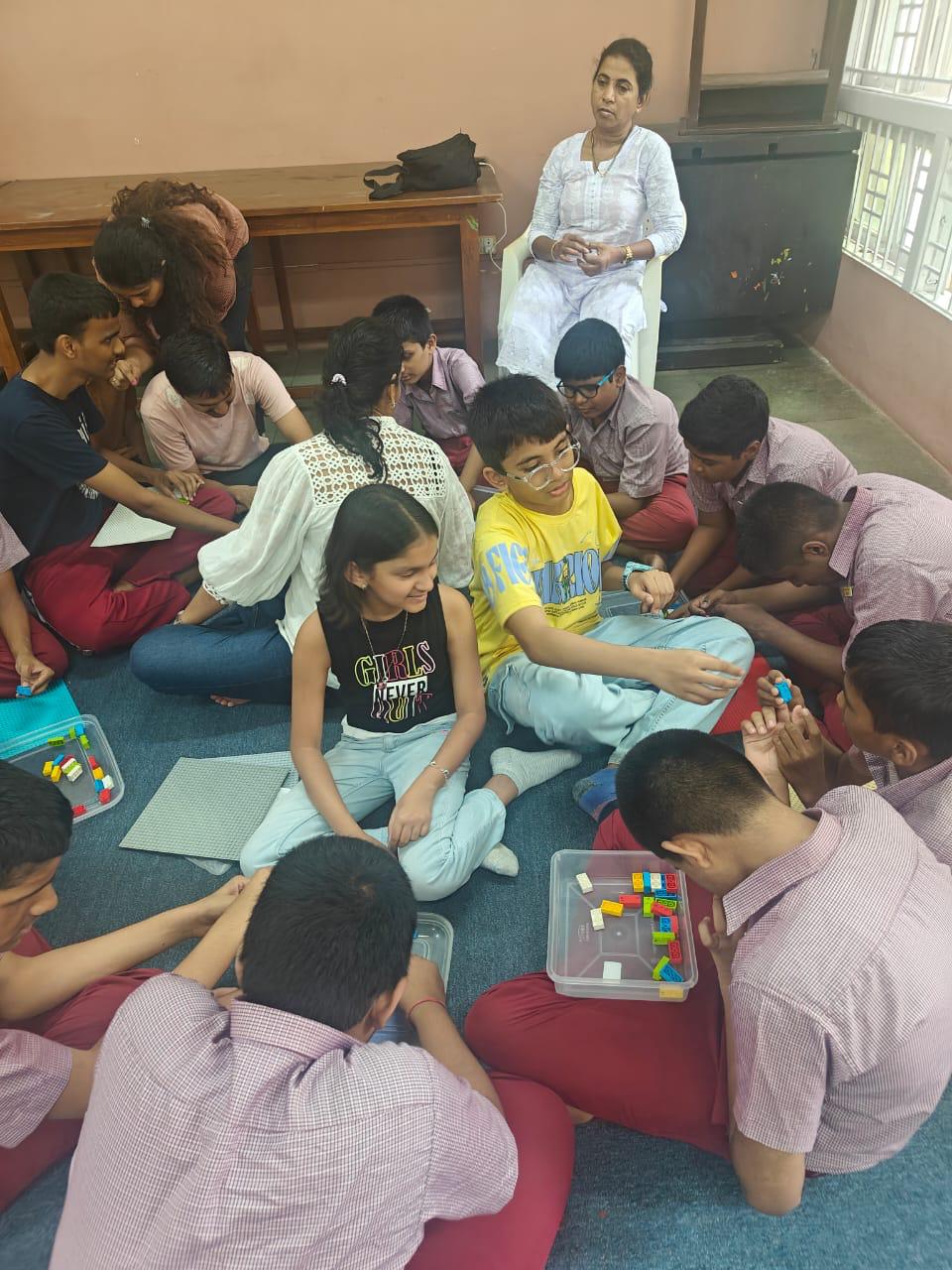
1. Kumudben School for Blind Students
2. Victoria Memorial School for Blind, Mumbai
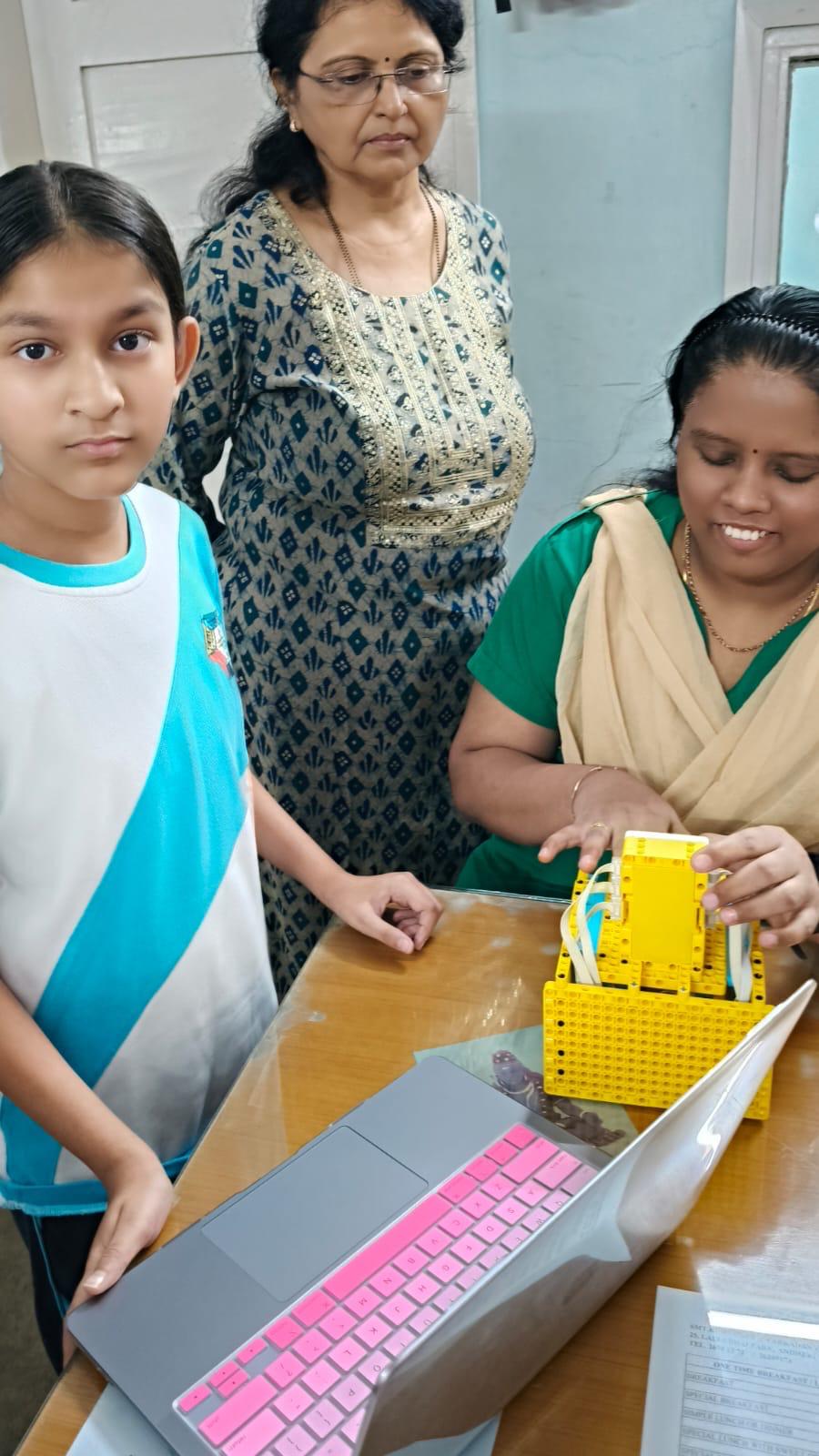
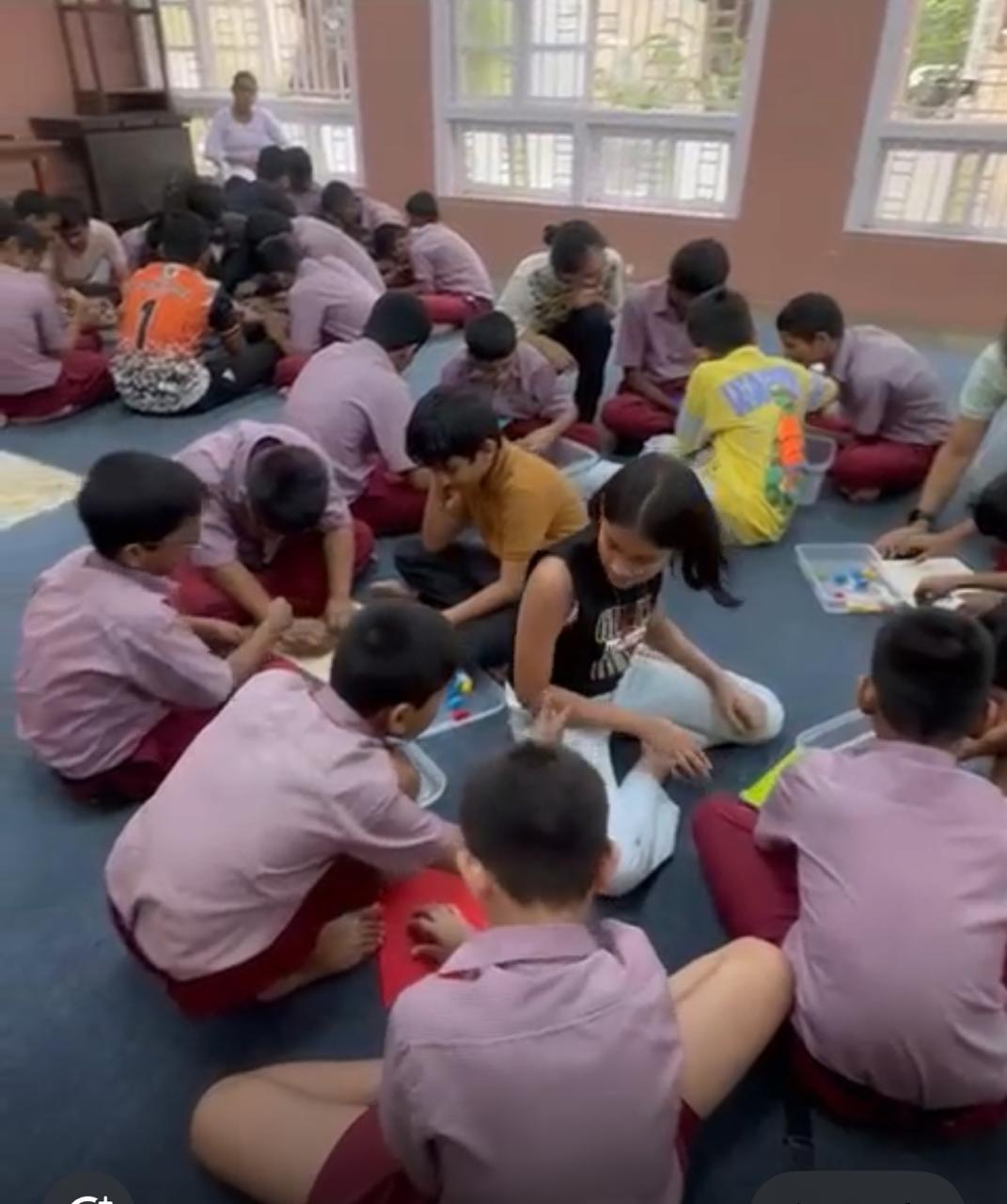
We visited two real blind schools in our city. We were nervous at first, but the teachers and students there were very kind. We showed them our robots, and they were super excited!
What We Did:
- We explained how our Braille Learning, Testing, and AI Reader machines work
- We let real blind children try out our Braille robots
- We watched them touch the Braille letters, press the test buttons, and listen to the AI voice
Feedback from the Schools:
👨🏫 Teachers Said:
"Your robots were very helpful and easy to use."
👦 Students Said:
"We enjoyed the voice feedback and liked that we could try answers by ourselves!"
🎓 Best Part:
Some kids even asked if they could use it every day in school!
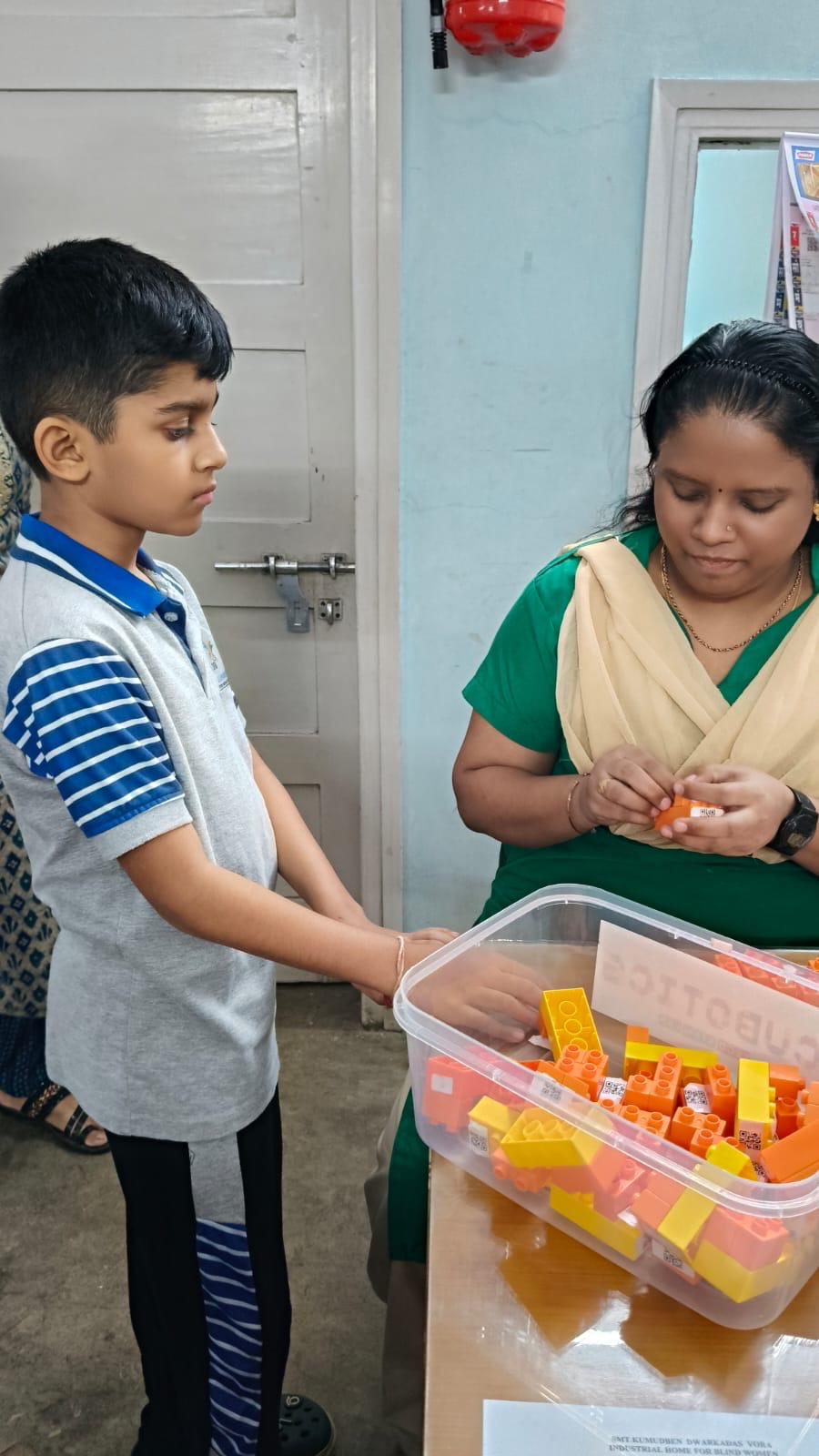
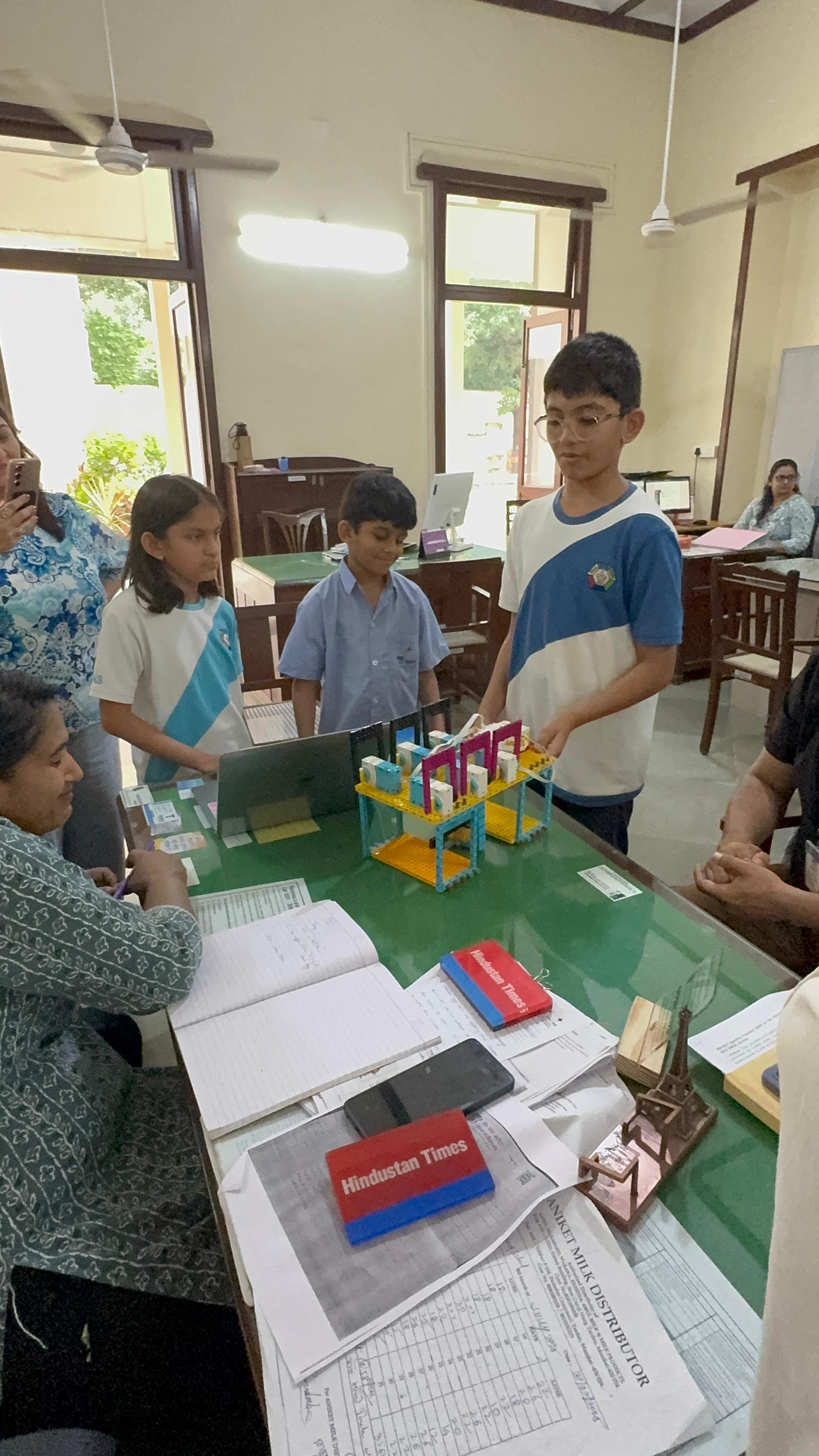
We were so happy that our project worked for real kids. It made us feel like we were making something that really matters.
The Scale of Impact
In India alone, there are over 1.5 million blind children, and many of them live in places where Braille teachers and tools are hard to find. If we share our robot with schools and homes:
- Thousands of blind kids can learn Braille faster and better
- Families can help children learn without needing special training
- Schools can have low-cost robots that teach and test Braille
With more support, we can make kits in different languages like Gujarati, Tamil, or Spanish, and even add Braille numbers and words, not just alphabets.
Project Gallery
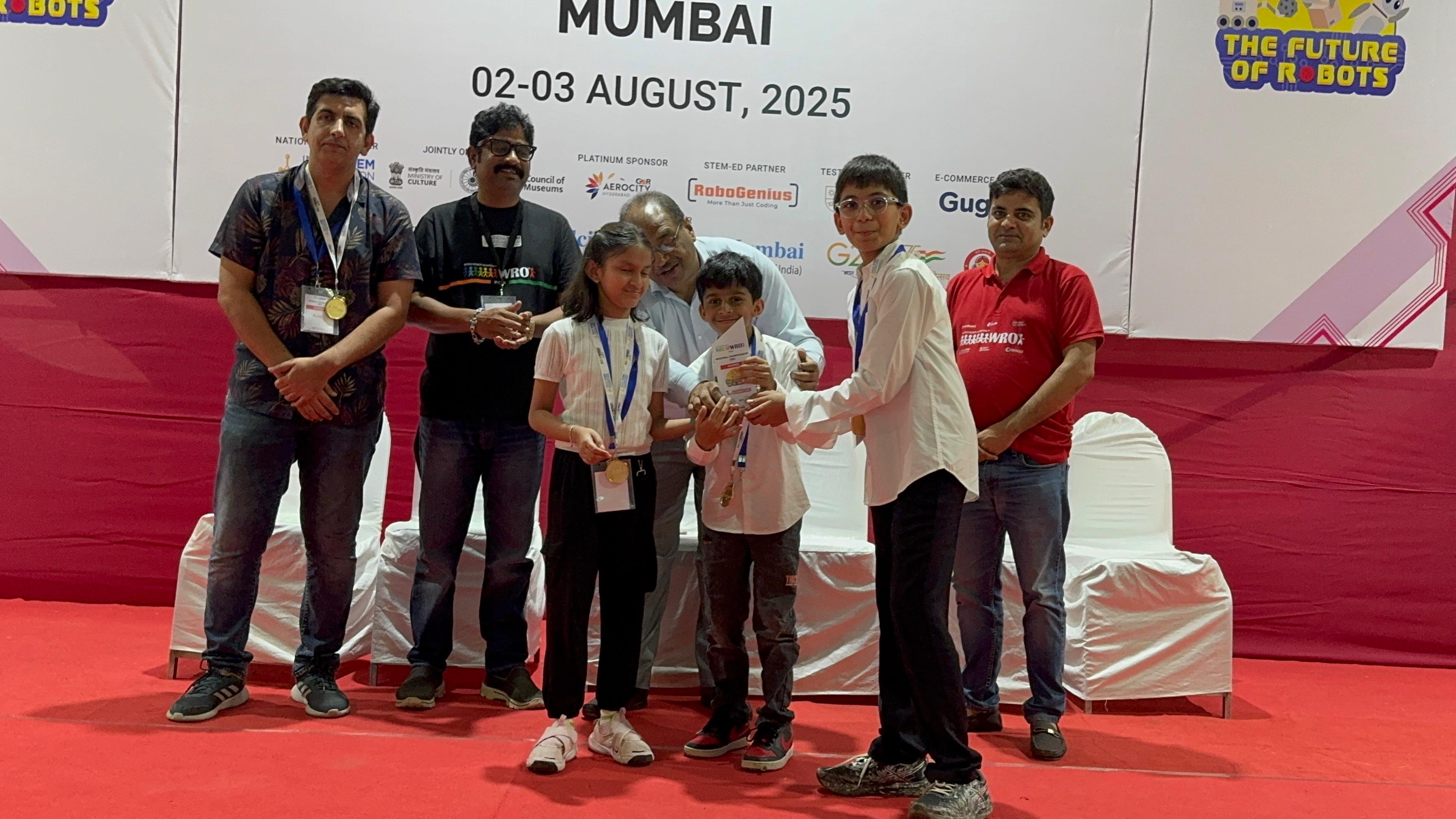
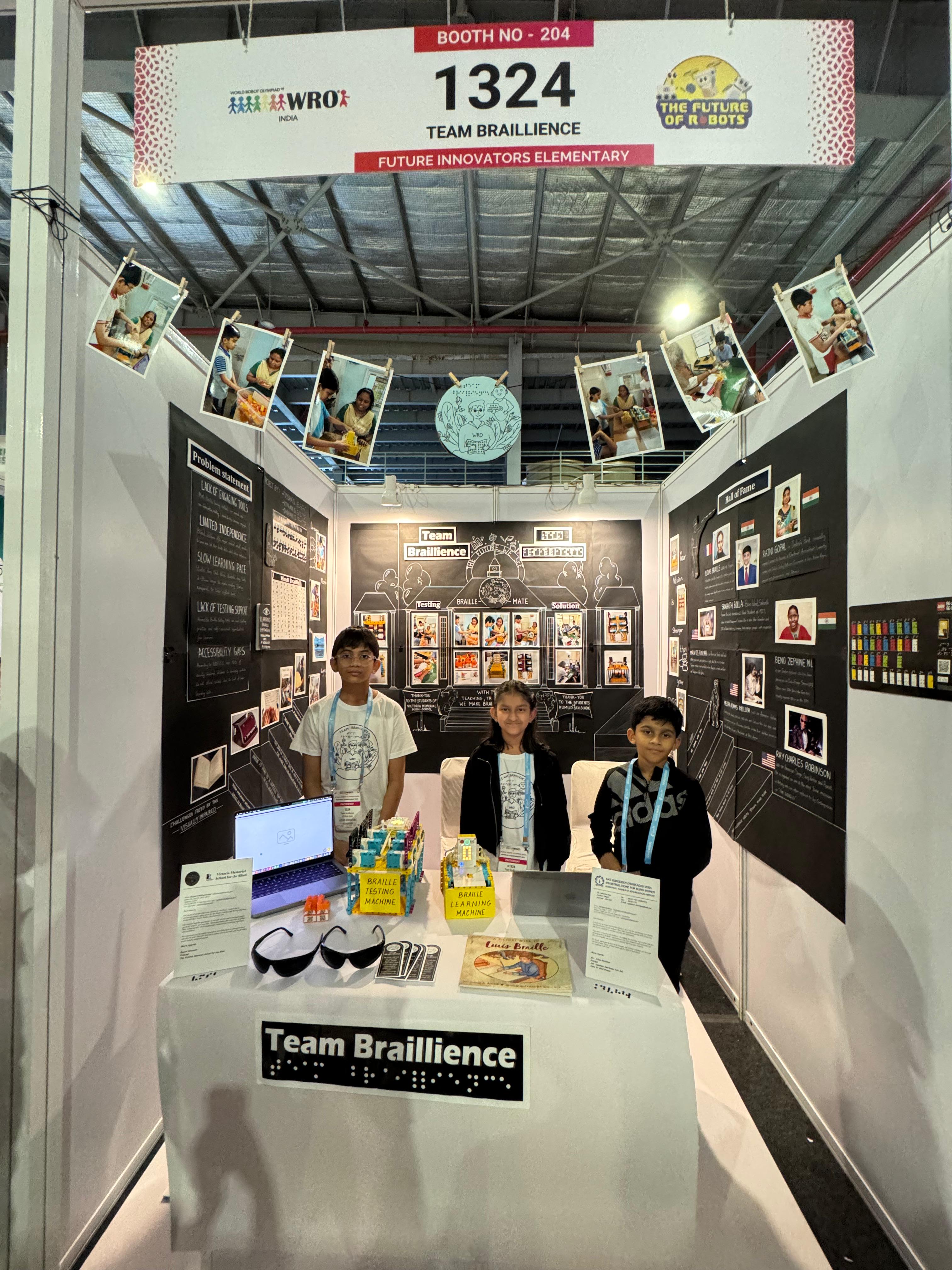
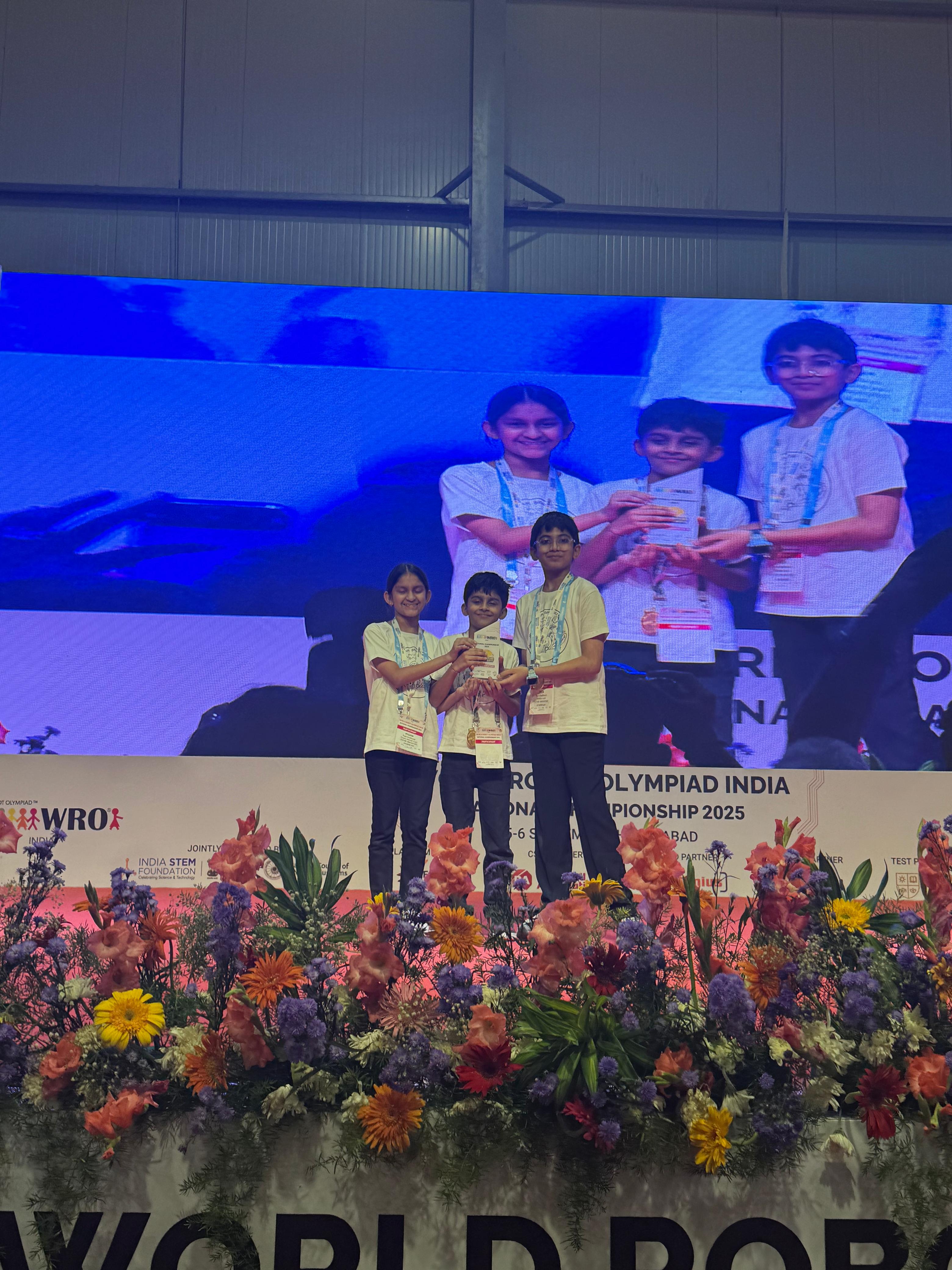
Highlights from our journey at WRO competitions and workshops
References & Resources
Websites and Articles We Used:
- Common Problems Faced by Visually Impaired Individuals and How to Address Them
- Challenges in education for visually impaired
- WHO - Blindness and visual impairment fact sheet
- PictoBlox Documentation - For learning how to use PictoBlox for our project
People We Spoke With:
- Teachers at Kumudben School for the Blind (Mumbai) – They told us about how blind students learn Braille and what problems they face.
- Students at Kumudben School – We let them try our Braille robots and asked them what they liked or didn't like.
- Teachers at Victoria Memorial School for the Blind (Mumbai) - They tried our robot and were impressed with our work.
- Our parents and mentors - They guided us throughout the project by helping us stay organized, giving feedback on our ideas, and encouraging us when we faced difficulties. They also helped us connect with special educators and schools for better research.
Our Mission
That's why our robot is more than just a machine — it's a tool for hope, learning, and equality. We believe learning should be for everyone, and our project helps make that possible.